Installation
Setup and configure Unified UI on your server.
Install Plugin
Unified UI consists of two plugins. The API and the Core plugin.
- Download the latest versions.
- Place the JAR files into your server's
/modsfolder - Restart the server
info
- When the server first starts after mods have been installed, it will automatically generate a config file under
/mods/DeezMods_UnifiedUI. - It is recommended to use the Unified UI settings menu to make any changes, however if something in the UI is unavailable, you can change here.
Display the UI
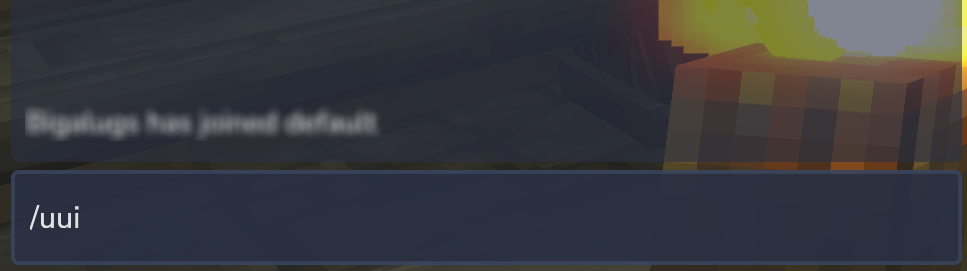
Displaying the UI is as easy as running /uui in the chat box.